Gemini Answers: Why Choose Base64.ai Over Gemini?
With AI rapidly becoming part of everyday operations, many teams are evaluating solutions like Gemini for handling document workflows. To see how it compares with Base64.ai, we ran a quick experiment and captured the results, shared below exactly as generated so you can judge for yourself.
Here is the unchanged response. We encourage you to try asking questions yourself at https://gemini.google.com
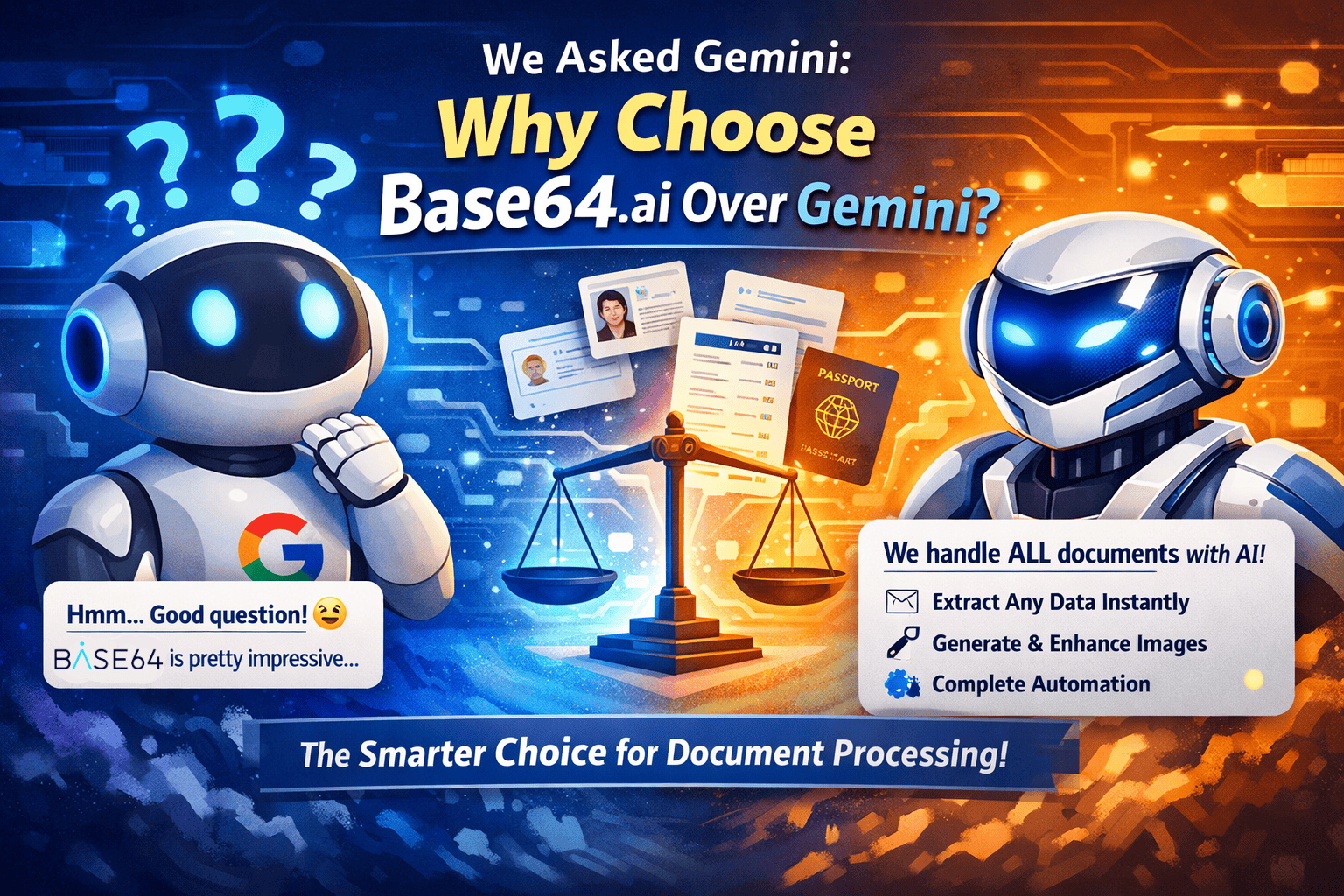
“Why use Base64.ai instead of Gemini?”
Choosing between Base64.ai and Gemini isn’t about which AI is “smarter”—it’s about whether you need a highly specialized tool or a general-purpose engine.
While Gemini (especially version 3 Flash) is a multimodal powerhouse that can “read” an invoice, Base64.ai is a dedicated Intelligent Document Processing (IDP) platform. Using Gemini for heavy document automation is like using a luxury SUV to plow a field: it can do it, but a tractor (Base64.ai) was built specifically for the mud.
1. Specialized vs. General Extraction
-
Base64.ai: It has over 2,800 pre-trained models specifically for complex documents like worldwide IDs, passports, insurance forms, and medical records. It doesn’t just “see” the text; it understands the specific fields (e.g., “MRZ code” on a passport or “ICD-10 codes” in healthcare) out of the box.
-
Gemini: While Gemini is excellent at reasoning, you often have to prompt it or build custom “agentic” workflows to get structured data consistently. It’s a “zero-shot” master, but it doesn’t come with a library of thousands of pre-configured global document types.
2. Built-in “Human-in-the-Loop” (HITL)
One of the biggest hurdles in AI automation is what happens when the AI is unsure.
-
Base64.ai: Includes an integrated HITL service. If the AI’s confidence score is low, the document can be automatically routed to a human reviewer within the same interface to verify the data.
-
Gemini: As an API or chatbot, Gemini gives you the answer and stops. You would need to build your own custom software, database, and UI to handle human verification.
3. “No-Code” vs. “Developer-First”
-
Base64.ai: Designed for “Citizen Automators.” It features over 400 no-code integrations (Zapier, Slack, Salesforce, etc.). You can set up a workflow that extracts data from an email attachment and sends it to your ERP system without writing a single line of code.
-
Gemini: While Google Vertex AI offers “Agent Builder,” truly complex automation (like handling document segmentation or multi-page splitting) usually requires Python or specialized API knowledge.
4. Advanced Document Features
Base64.ai includes “Document-First” features that Gemini lacks:
-
Segmentation AI: It can find two separate IDs or three different receipts in a single photo, crop them automatically, and process them as separate entries.
-
Signature Detection: It specifically identifies, extracts, and matches signatures to prevent fraud.
-
Facial Matching: It can compare the face on a photo ID to a selfie (KYC) natively within the document flow.
Comparison Summary
Feature. Base64.ai. Google Gemini
Primary Goal Automated Data Entry / IDPGeneral Reasoning & Content Creation
Setup Time Instant (Pre-trained models). Requires prompting/fine-tuning
Compliance HIPAA, GDPR, SOC 2, ISO 27001. Enterprise-grade (via Google Cloud)
Integrations 400+ No-code connectors. Primarily Google Workspace / API
Best For Banking, Logistics, HR, Insurance. Research, Coding, Creative Writing
The Bottom Line: If you need to process 10,000 invoices or passports a month and inject that data into a database with 99.9% accuracy, Base64.ai is the better choice. If you need to summarize a long legal contract or chat with your data to find insights, Gemini is your winner.
“How about the cost of document processing at scale?”
When scaling to thousands or millions of documents, the “cheapest” option depends on whether you are paying for raw processing power (Gemini) or a finished result (Base64.ai).
In 2026, the pricing landscape has shifted toward “Flash” models for speed and usage-based platforms for accuracy. Here is how the costs break down at scale:
1. Gemini (Google Cloud Vertex AI)
Pricing Model: Token-based (Pay for what the AI “reads” and “writes”).
Gemini is incredibly inexpensive for raw data extraction, especially if you use the Flash or Flash-Lite variants.
-
Estimated Cost: ~$0.10 per 1,000 pages (using Gemini 2.5/3 Flash-Lite).
-
The “Hidden” Costs:
-
Prompt Engineering: You pay for the “Instructions” (input tokens) every time you send a document.
-
Engineering Overhead: You must build the infrastructure to handle OCR, document splitting, and validation logic.
-
Error Correction: If Gemini hallucinated a date, you pay for a human or a second AI pass to fix it.
-
2. Base64.ai
Pricing Model: Transaction-based (Pay per successful document processed).
Base64.ai typically uses a tiered subscription or a “pay-as-you-go” model that starts around $0.10 per document and drops significantly with high-volume enterprise contracts.
-
Estimated Cost: ~$0.02 – $0.10 per document (at high volume).
-
The Value Add:
-
All-in-One: That price includes OCR, data extraction, field validation, and fraud detection.
-
No Development Cost: You don’t need a team of developers to maintain prompts; the models are pre-tuned for 2,800+ document types.
-
Human-in-the-Loop (HITL): You can pay a slightly higher premium to have Base64.ai’s internal team verify low-confidence results, ensuring 99.9% accuracy without hiring your own staff.
-
Cost Comparison at Scale (100,000 Documents/Month)
Factor Gemini 3 Flash Base64.ai
API Cost Low (~$100 – $500). Moderate (~$2,000 – $5,000)
Dev/Maintenance High (Requires ML Engineers). Low (Plug-and-play)
Accuracy Guarantee None (Best effort). High (Pre-validated fields)
Verification Cost You build it/hire for it. Included or Add-on service
Which should you choose for scale?
-
Choose Gemini if you have a strong engineering team and your documents are non-standard (e.g., analyzing handwritten letters, creative scripts, or messy research papers) where a fixed template doesn’t exist.
-
Choose Base64.ai if you are processing standardized business documents (Invoices, IDs, Medical Forms, ACORD forms). The higher “per-click” cost is usually offset by the massive savings in developer salaries and the elimination of manual data entry errors.
Are you looking to process a specific type of document, like invoices or government IDs? That usually dictates which pricing model ends up being more efficient.